> ## Documentation Index
> Fetch the complete documentation index at: https://docs.findly.ai/llms.txt
> Use this file to discover all available pages before exploring further.
# Getting started
> Welcome to your first steps with Findly. Learn how to set up and use Findly effectively.
 ## Creating an account
The first step to improving your data access with Findly is to create an account.
Create an account to get started with Findly
## Connect your data source
Connect your data first to get started.
To connect to a database other than Google Analytics you will need a standard
or enteriprise plan.
## Creating an account
The first step to improving your data access with Findly is to create an account.
Create an account to get started with Findly
## Connect your data source
Connect your data first to get started.
To connect to a database other than Google Analytics you will need a standard
or enteriprise plan.
[View pricing](https://www.findly.ai/pricing)
Connect your Google Analytics (GA4) to Findly
Connect your Facebook Ads database to Findly
Connect your BigQuery database to Findly
Connect your PostgreSQL database to Findly
Connect your MS SQL Server database to Findly
Need another data source? [Let us know](https://dashboard.findly.ai/app/workspace/data-sources)!
## Create your semantic layer
If your data comes from Google Analytics you don't need to create a semantic
layer
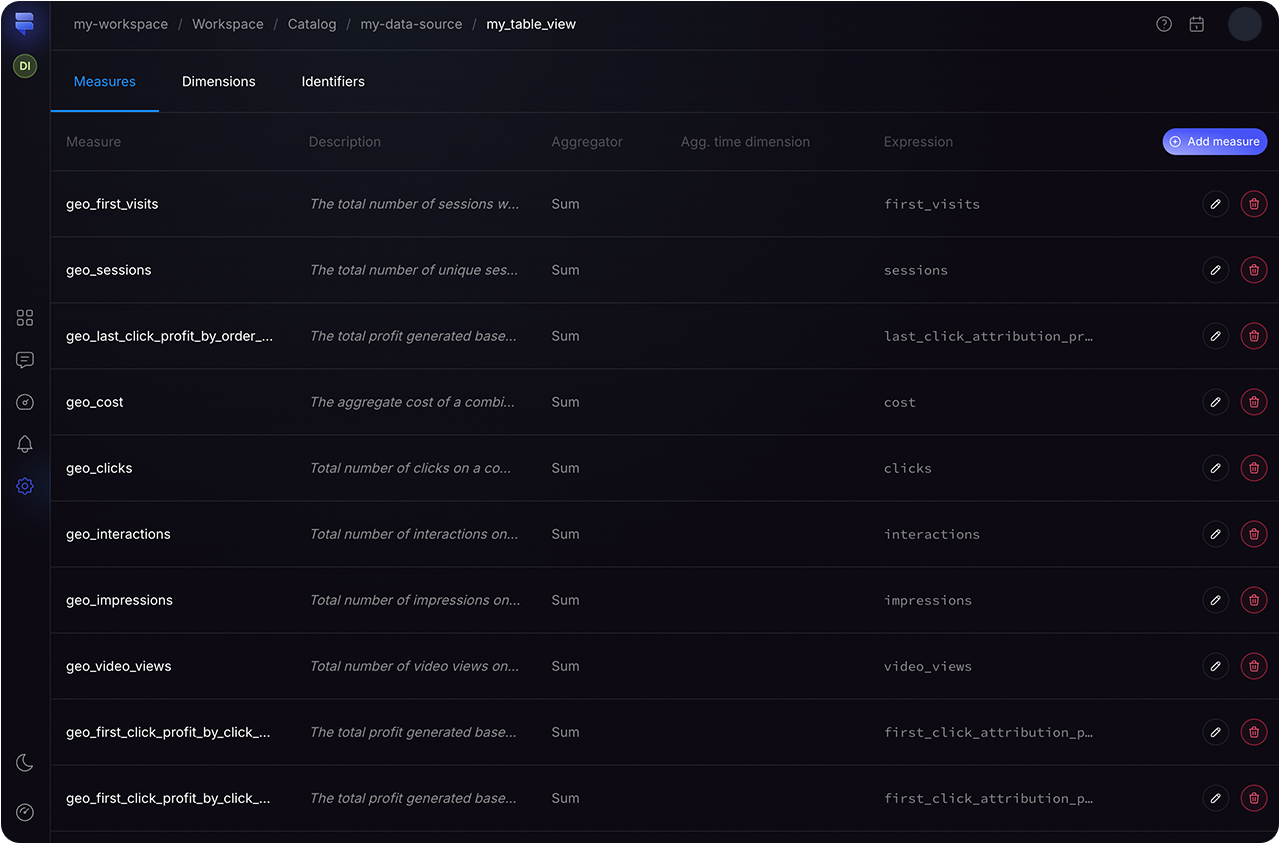
After connecting your data to Findly, you can set up your semantic layer. This layer is necessary when using data from a database, as it allows you to clearly define your metrics, measures and dimensions to ensure complete data integrity when using Findly.
To do that enter the [Catalog](https://dashboard.findly.ai/app/catalog) section in the dashboard and go through the setup wizard flow for your desired dataset.
{" "}
To learn more about setting up a semantic layer click here
 ## Create your first query
Enter the "Assistant" section in the
[dashboard](https://dashboard.findly.ai/app/assistant)
## Create your first query
Enter the "Assistant" section in the
[dashboard](https://dashboard.findly.ai/app/assistant)
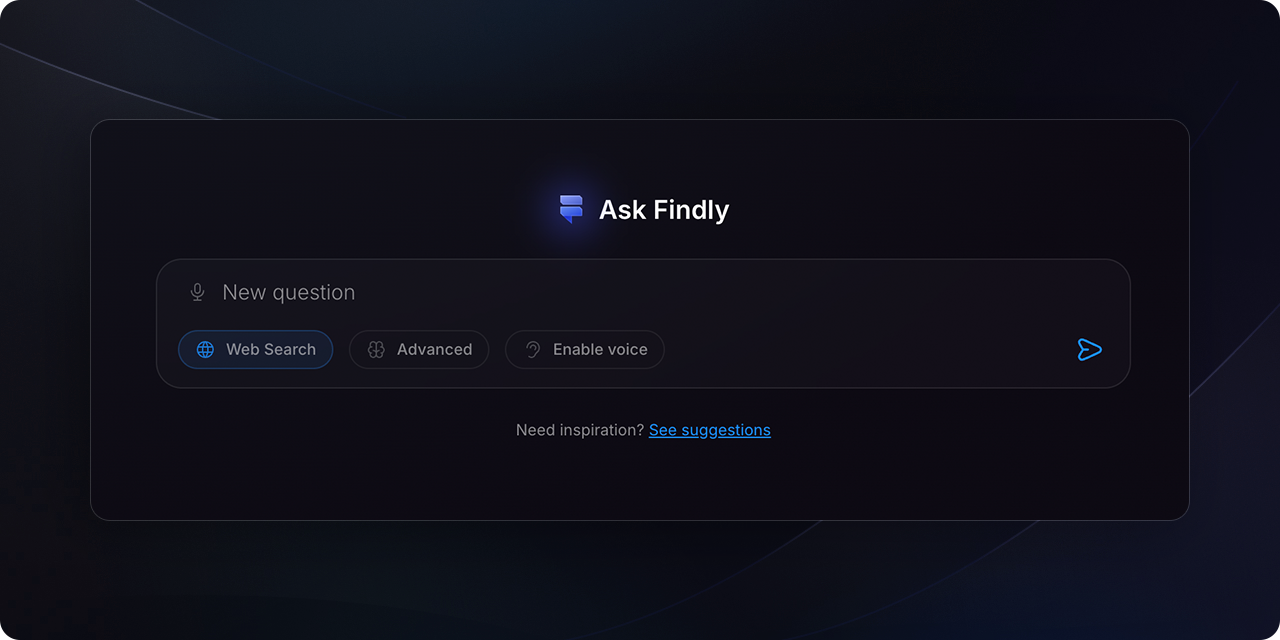 Write your question
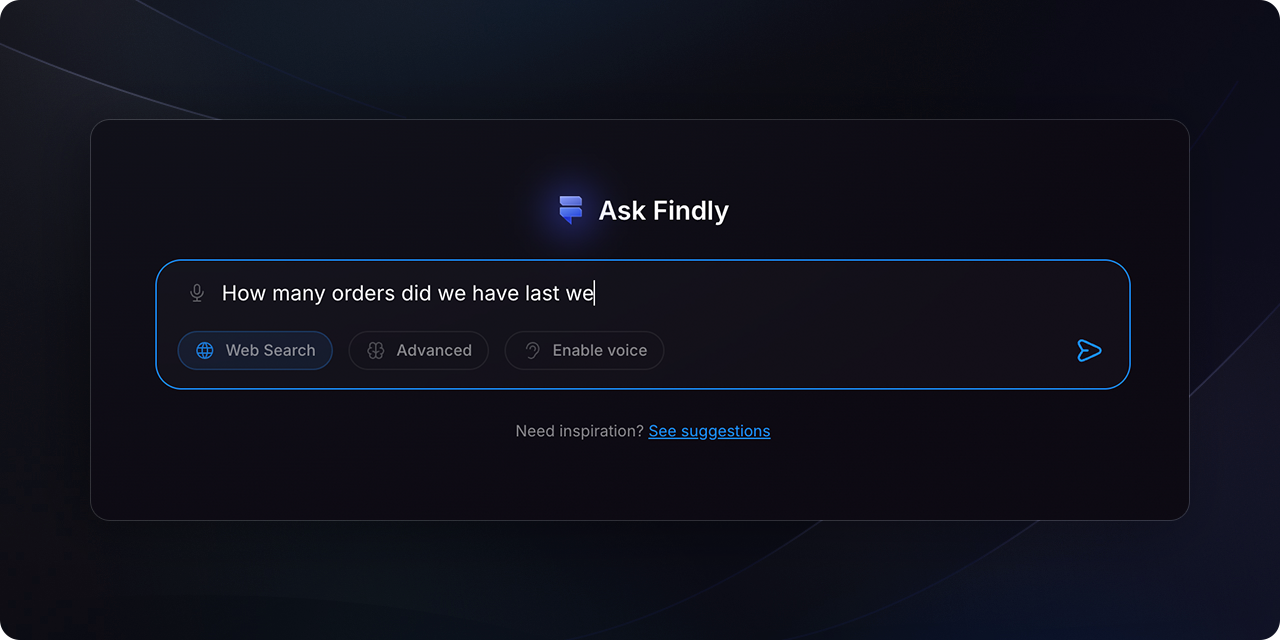 It will take you to the "Data requests page where you can see the status of your query"
 ## FAQ
No, Findly uses a secure and scalable architecture to ensure data security and
compliance. It also allows for easy permission management, so you can control
who has access to what data.
Findly integrates with Slack, Google Analytics, Facebook Ads, and BigQuery. We
are constantly adding new integrations, so if you have a specific platform you
would like to see integrated with Findly [let us know here](https://dashboard.findly.ai/app/workspace/data-sources).
Yes, Findly is designed to be scalable and can be used by organizations of all
sizes. Its secure and scalable architecture enables it to handle large amounts
of data, while its customizable visualizations and reports make it easy to
share insights across teams and departments. Findly is pursuing SOC 2
compliance and GDPR-readiness, to meet enterprise needs.
## FAQ
No, Findly uses a secure and scalable architecture to ensure data security and
compliance. It also allows for easy permission management, so you can control
who has access to what data.
Findly integrates with Slack, Google Analytics, Facebook Ads, and BigQuery. We
are constantly adding new integrations, so if you have a specific platform you
would like to see integrated with Findly [let us know here](https://dashboard.findly.ai/app/workspace/data-sources).
Yes, Findly is designed to be scalable and can be used by organizations of all
sizes. Its secure and scalable architecture enables it to handle large amounts
of data, while its customizable visualizations and reports make it easy to
share insights across teams and departments. Findly is pursuing SOC 2
compliance and GDPR-readiness, to meet enterprise needs.