> ## Documentation Index
> Fetch the complete documentation index at: https://docs.findly.ai/llms.txt
> Use this file to discover all available pages before exploring further.
# Integrating with Facebook Ads
> Learn how to connect your Facebook Ads account to Findly for data analysis.
 Connecting to Facebook Ads requires a Standard or Enterprise plan. [View
Pricing](https://www.findly.ai/pricing) for details.
## Connecting to Facebook Ads
### Step 1
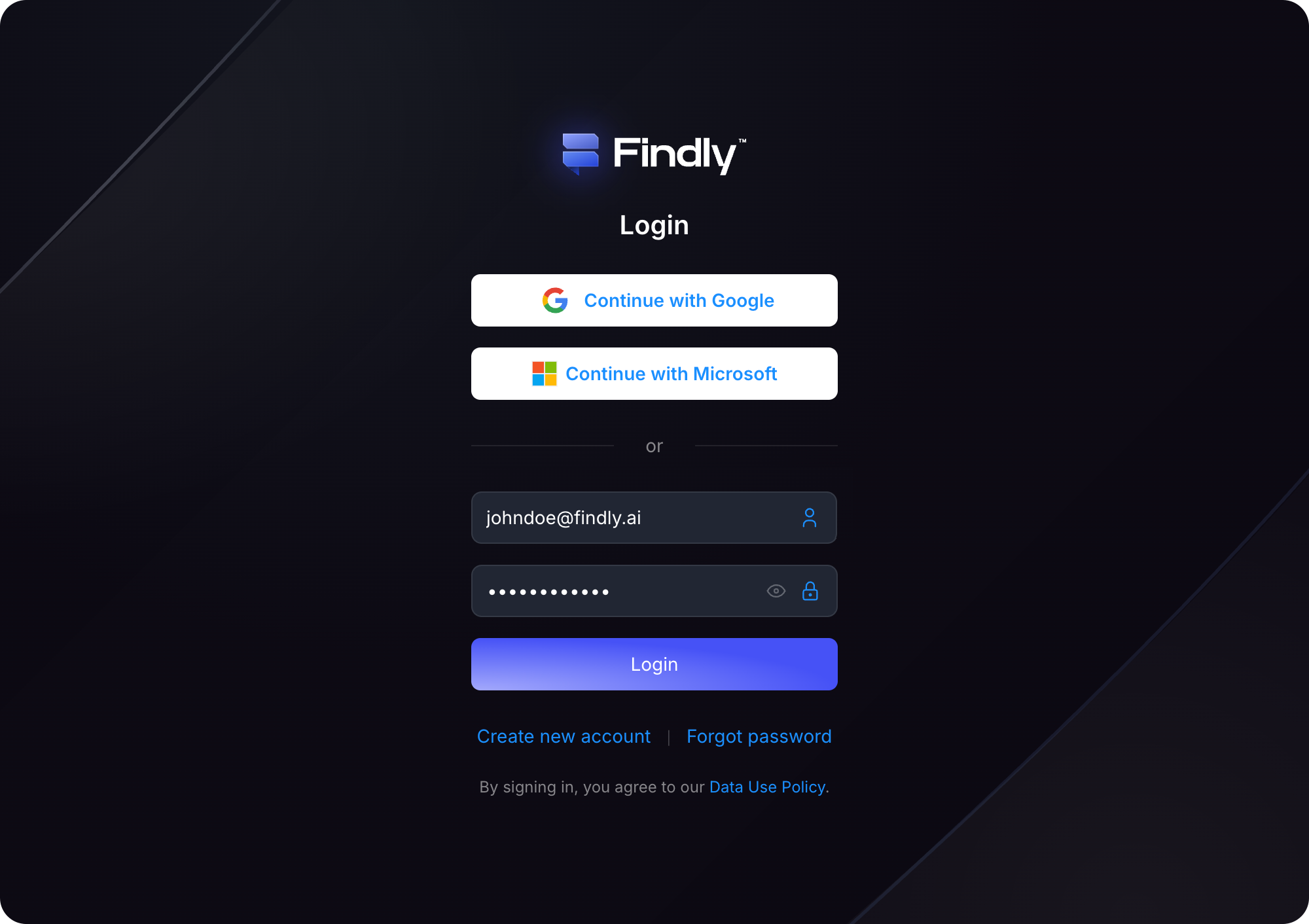
Sign in to your Findly account on the [dashboard](https://dashboard.findly.ai) page.
Connecting to Facebook Ads requires a Standard or Enterprise plan. [View
Pricing](https://www.findly.ai/pricing) for details.
## Connecting to Facebook Ads
### Step 1
Sign in to your Findly account on the [dashboard](https://dashboard.findly.ai) page.
 ### Step 2
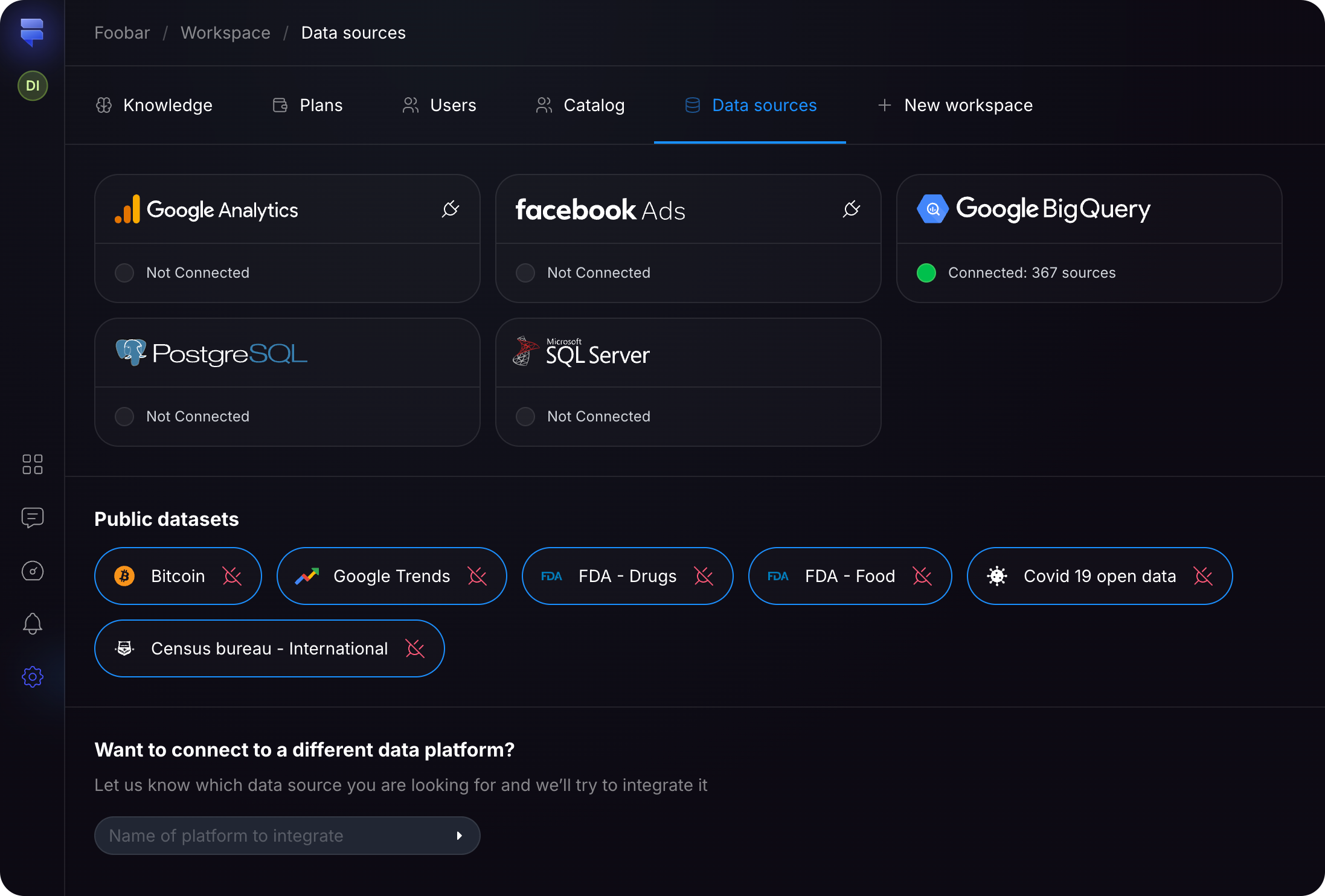
Navigate to the [Data Sources](https://dashboard.findly.ai/app/data-sources) page and click the **Facebook Ads** card.
### Step 2
Navigate to the [Data Sources](https://dashboard.findly.ai/app/data-sources) page and click the **Facebook Ads** card.
 ### Step 3
Follow the Facebook authorization prompts to grant Findly access to your Facebook Ads data.
### Step 3
Follow the Facebook authorization prompts to grant Findly access to your Facebook Ads data.

That's it! ✨ You have successfully integrated your Facebook Ads data with Findly. Now you can start creating insightful reports, schedules, and dashboards.